Best Website Visitor Tracking Software (2025 Guide)
Find the right website visitor tracking software to capture visitor behavior, trigger automated outreach, and improve your marketing ROI.

Website visitor tracking software transforms anonymous traffic into qualified pipeline. While traditional web analytics show you what happened, modern tracking platforms reveal who visited, why they came, and how to convert them.
Your website visitors are actively evaluating solutions, but you're flying blind without the right tracking infrastructure. Advanced website visitor tracking systems bridge this gap by identifying anonymous visitors, monitoring their behavior patterns, and triggering automated follow‑up workflows that convert browsers into buyers.
Industry experts have warned that undisclosed tracking pixels can erode customer trust and attract regulatory scrutiny. That’s why transparency and compliance are as critical as performance in 2025.
We analyzed the leading website visitor tracking tools based on data accuracy, CRM integrations, automation capabilities, and ROI impact. This guide covers everything from basic web analytics to AI‑powered conversion systems that automatically turn visitor insights into booked meetings.
How Website Visitor Tracking Works
Website visitor tracking software captures behavioral data through tracking code embedded on your site. This pixel collects page views, referral sources, session duration, and interaction events. Advanced platforms layer on IP address lookup, demographic enrichment, and CRM matching to transform anonymous visitors into identifiable prospects.
The data flow works like this: A visitor lands on your site → tracking code logs their behavior → software enriches the data with LinkedIn profiles or CRM records → automated notifications alert your sales team via Slack or email → follow-up workflows launch automatically.
This differs from basic web analytics platforms like Google Analytics, which focus on aggregate traffic metrics. Visitor tracking software prioritizes individual identification and behavioral intent scoring. Google Analytics shows aggregate patterns; visitor tracking reveals "John Smith from ABC Corp spent 4 minutes evaluating your enterprise pricing tier and downloaded three case studies."
Are website visits really trackable? Yes, within legal boundaries. Modern tracking combines first-party cookies, IP geolocation, and consented data collection to identify visitors. However, privacy regulations like GDPR and CCPA require transparency about data collection and storage practices.
Compliance considerations include cookie consent banners, data processing agreements, and clear privacy policies. The best platforms offer built-in compliance features and allow visitors to opt out of tracking.
Key Metrics and Features You Should Track
Understanding which website metrics to monitor helps bridge the gap between raw visitor data and actionable insights. The following features represent the foundation of high‑performing website visitor tracking software—transforming anonymous web traffic into measurable opportunities. These core elements guide your optimization efforts, improve conversion rates, and ensure that every pixel embedded on your site delivers revenue‑driving intelligence.
- Real-time visitor identification shows which companies and individuals are browsing your site right now. This enables immediate outreach while prospects are actively researching.
- Behavioral scoring and intent data track engagement patterns across page views, content downloads, and video plays. High-scoring visitors get priority routing to sales reps.
- Heatmaps and session recordings visualize exactly how visitors interact with your pages. You'll see where users click, scroll, and drop off, enabling data-driven optimization.
- Conversion funnels reveal where prospects exit your sales process. Track the complete user journey from first visit through deal closure.
- CRM integrations automatically sync visitor data with HubSpot, Salesforce, and other platforms. This eliminates manual data entry and ensures your sales team has complete context.
- Automated notifications and workflows trigger instant Slack alerts when high-value prospects visit key pages. Advanced platforms can launch personalized email sequences or schedule follow-up calls automatically.
Best Website Visitor Tracking Software
Choosing the best website visitor tracking software depends on your goals, data maturity, and sales process. The platforms below stand out in 2025 for their data accuracy, automation capabilities, and seamless integrations with CRMs like HubSpot and Salesforce. Each tool enables deeper insight into visitor behavior and automates key workflows.
Evaluation Criteria
Our evaluation methodology prioritizes objective, performance‑driven analysis. Each website visitor tracking platform was tested against measurable functionality, integration depth, and proven ROI impact. The assessment reflects 90% data‑based scoring and 10% strategic insights drawn from hands‑on go‑to‑market experience with B2B sales and marketing teams.
We compared platforms using the following key criteria:
- Data Accuracy and Visitor Identification: Assessed how precisely each tool identifies individual visitors or accounts through first‑party data, IP address enrichment, and CRM matching. Accuracy directly impacts follow‑up success and conversion rates.
- Tracking Depth and Behavioral Insights: Measured the quality of behavioral analytics, including event tracking, page views, scroll maps, and session recordings that reveal user journeys and drop‑off points.
- CRM and Tech Stack Integrations: Evaluated how seamlessly each platform connects with systems like HubSpot, Salesforce, and Zapier to automate workflows, sync visitor data, and streamline sales rep notifications.
- Automation and AI Capabilities: Scored based on each tool’s ability to automate lead routing, Slack alerts, and follow‑up email sequences. AI‑powered systems like 11x were further rated for autonomous prospect engagement and decision‑making.
- Compliance and Data Governance: Reviewed built‑in GDPR and CCPA compliance controls, including consent management, cookie policy integration, and data encryption practices.
- Dashboard Usability and Reporting: Tested the clarity and accessibility of dashboards for visualization of real‑time metrics, segmentation, and marketing performance analytics.
- Pricing and Scalability: Compared monthly and annual pricing ranges relative to feature sets, automation depth, and scalability across small teams and enterprise‑level operations.
This balanced framework ensures that every platform recommendation in this guide reflects both its technical performance and its business impact, helping you select the visitor tracking software that drives measurable pipeline growth.
Comparison Overview of the Best Website Visitor Tracking Software in 2025
The following comparison table summarizes how the leading website visitor tracking platforms stack up across key performance areas, including data types handled, accuracy, ecosystem integrations, automation capabilities, and pricing. It provides a quick snapshot of each tool’s strengths, helping you identify which solution best fits your goals, tech stack, and budget before diving into the detailed reviews that follow.
The 11 Best Website Visitor Tracking Tools in 2025
11x
11x transforms website visitor data into autonomous conversion workflows using AI digital workers that operate 24/7. Alice, the AI SDR, automatically identifies high-intent visitors and launches personalized outreach campaigns across email and LinkedIn. Julian, the AI phone agent, handles inbound qualification calls and follow-up conversations in real-time.
The platform goes beyond traditional visitor tracking by taking immediate action on the data. When a target account visits your pricing page, Alice automatically researches the company, crafts personalized messaging, and initiates contact within hours. Julian can call inbound leads while they're still browsing your website.
11x digital workers turn website visitor insights into pipeline without human intervention, representing the next generation of visitor tracking technology.
11x Key Features:
- Alice (AI SDR): Conducts outbound prospecting across email and LinkedIn to secure qualified meetings.
- Julian (AI Phone Agent): Calls inbound leads within seconds and qualifies them through natural two-way conversations.
- Autonomous Operation: Completes research, outreach, follow-ups, and lead qualification independently.
- CRM Integration: Syncs with major CRMs to maintain clean activity logs and forecasting signals.
- Global Language Support: Engages prospects in more than 100 languages.
Pros and Cons of 11x
11x Best Fit:
11x is ideal for Mid-market and enterprise teams wanting to automate the complete journey from anonymous visitor to booked meeting without manual intervention.
11x Pricing:
Custom enterprise plan with usage-based tiers tied to lead volume and integration scope.
Hotjar
Hotjar combines heatmaps, session recordings, and user feedback tools to reveal how visitors actually use your website. Marketing teams rely on Hotjar's visual insights to optimize user experience and identify conversion barriers that traditional analytics miss.
Hotjar Key Features:
- Heatmaps and Session Recordings: Visualize visitor interactions across pages and funnels.
- Feedback Widgets: Capture user sentiment in real time through on-site polls.
- Conversion Analysis: Identify drop-off points in forms and checkout flows.
- Collaboration Tools: Share insights and recordings across marketing teams.
Pros and Cons of Hotjar
Hotjar Best Fit:
Hotjar is best for UX and marketing teams focused on improving conversion rates and understanding visitor behavior through visual analytics.
Hotjar Pricing:
Free plan available. Paid plans start at $49 per month for Growth, with Pro and Enterprise options available.
Google Analytics 4
Google Analytics 4 provides comprehensive traffic analytics, conversion tracking, and audience segmentation. While not specifically built for visitor identification, GA4 delivers industry-standard web analytics that measure user behavior across multiple channels.
Google Analytics 4 Key Features:
- Event Tracking: Monitors detailed user actions beyond page views.
- Attribution Reporting: Connects conversions across search, ads, and on-site activity.
- Audience Builder: Segments visitors for remarketing and campaign optimization.
- Integrations: Connects natively with Google Ads, Looker Studio, and BigQuery.
Pros and Cons of Google Analytics 4
Google Analytics 4 Best Fit:
GA4 is best for marketing teams focused on performance measurement, attribution, and aggregate traffic insights.
Google Analytics 4 Pricing:
Free version available. Enterprise GA4 360 starts around $50,000 per year.
Warmly
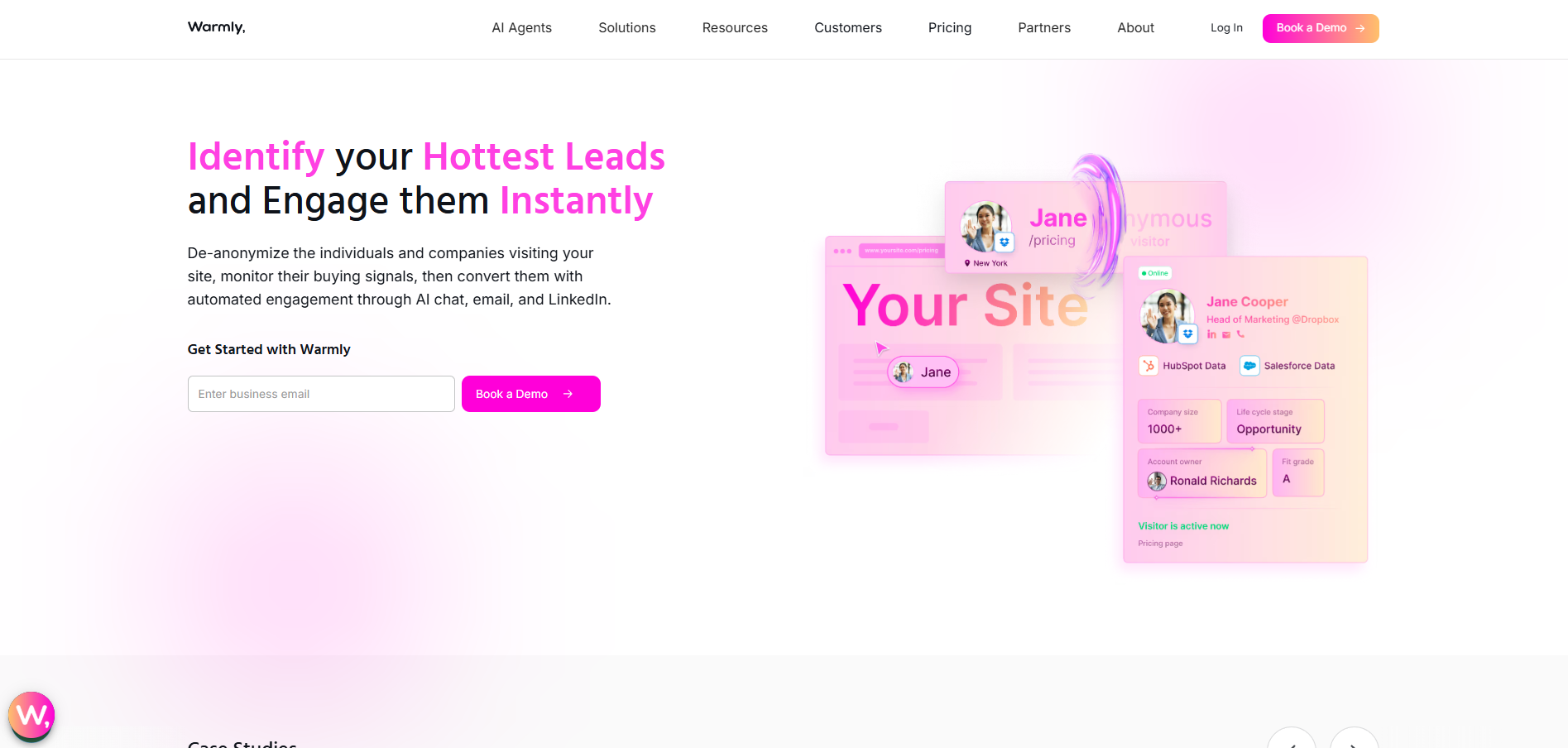
Warmly reveals which companies and individuals visit your website in real time using advanced IP intelligence and LinkedIn matching. It automatically identifies anonymous traffic, enriches visitor profiles, and launches automated outreach campaigns.
Warmly Key Features:
- Real-Time Identification: Surfaces company and contact data instantly from IP lookups.
- LinkedIn Integration: Connects with social data for buyer insights.
- CRM Sync: Updates HubSpot and Salesforce contacts automatically.
- Automation Triggers: Sends Slack notifications or launches personalized email workflows when target accounts visit.
Pros and Cons of Warmly
Warmly Best Fit:
Warmly suits B2B marketing and sales teams running account-based marketing strategies that depend on quick follow-up for engaged visitors.
Warmly Pricing:
Plans start at $49 per month, scaling to $249+ for pro and enterprise tiers.
RB2B
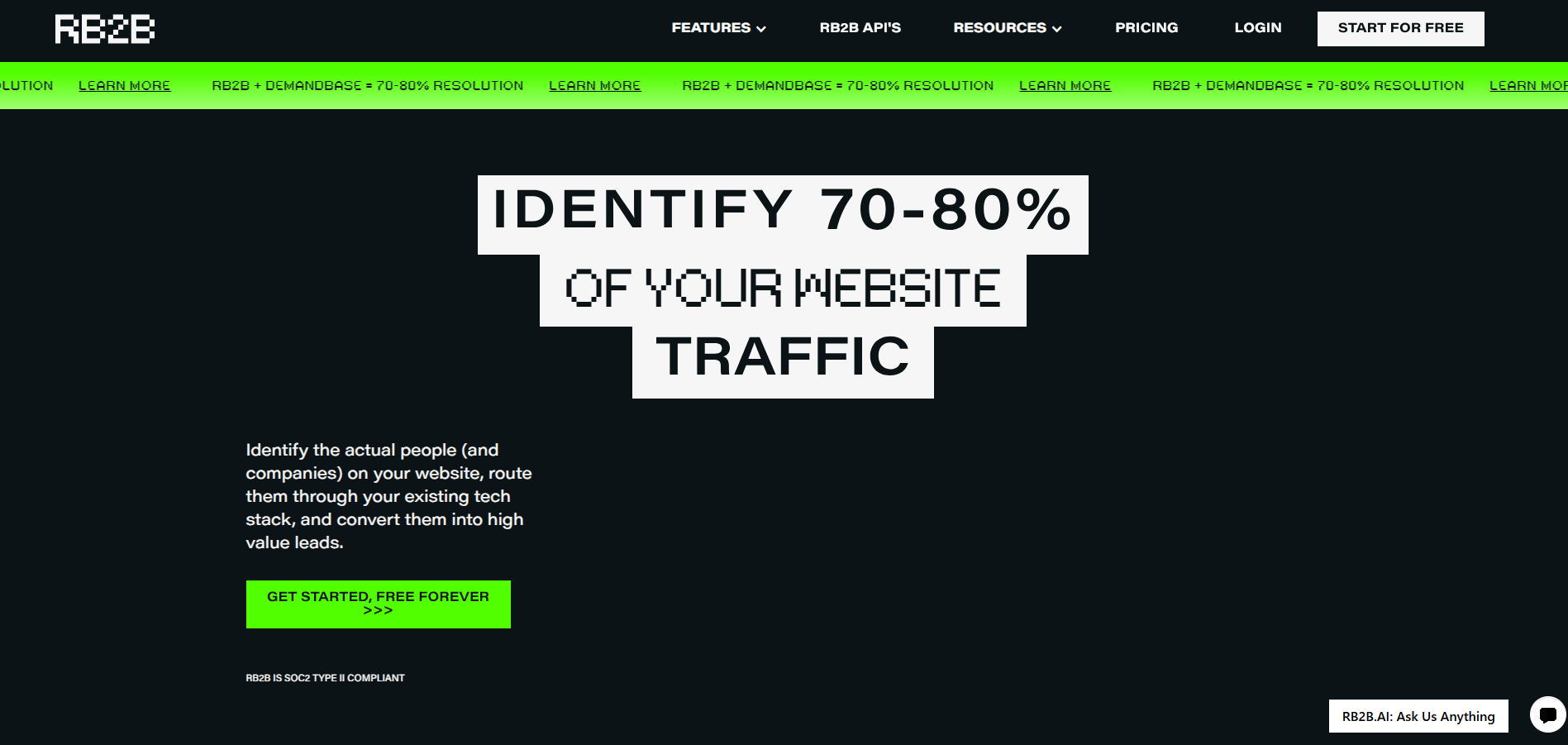
RB2B specializes in enterprise-grade visitor tracking, advanced CRM enrichment, and high-precision identification. It autonomously updates your CRM with enriched visitor data and engagement metrics.
RB2B Key Features:
- Enterprise Data Enrichment: Matches visitor records with verified business information.
- CRM Integration: Supports Salesforce, HubSpot, Zapier, and custom APIs.
- Segmentation Engine: Groups visitors by intent, company type, and engagement level.
- Custom Workflows: Automates CRM exports, notifications, and pipeline triggers.
Pros and Cons of RB2B
RB2B Best Fit:
RB2B is designed for enterprise teams that need precision tracking and automated CRM data management at scale.
RB2B Pricing:
Custom pricing starts around $1,000 per month based on integration depth and visitor volume.
VisitorTracking
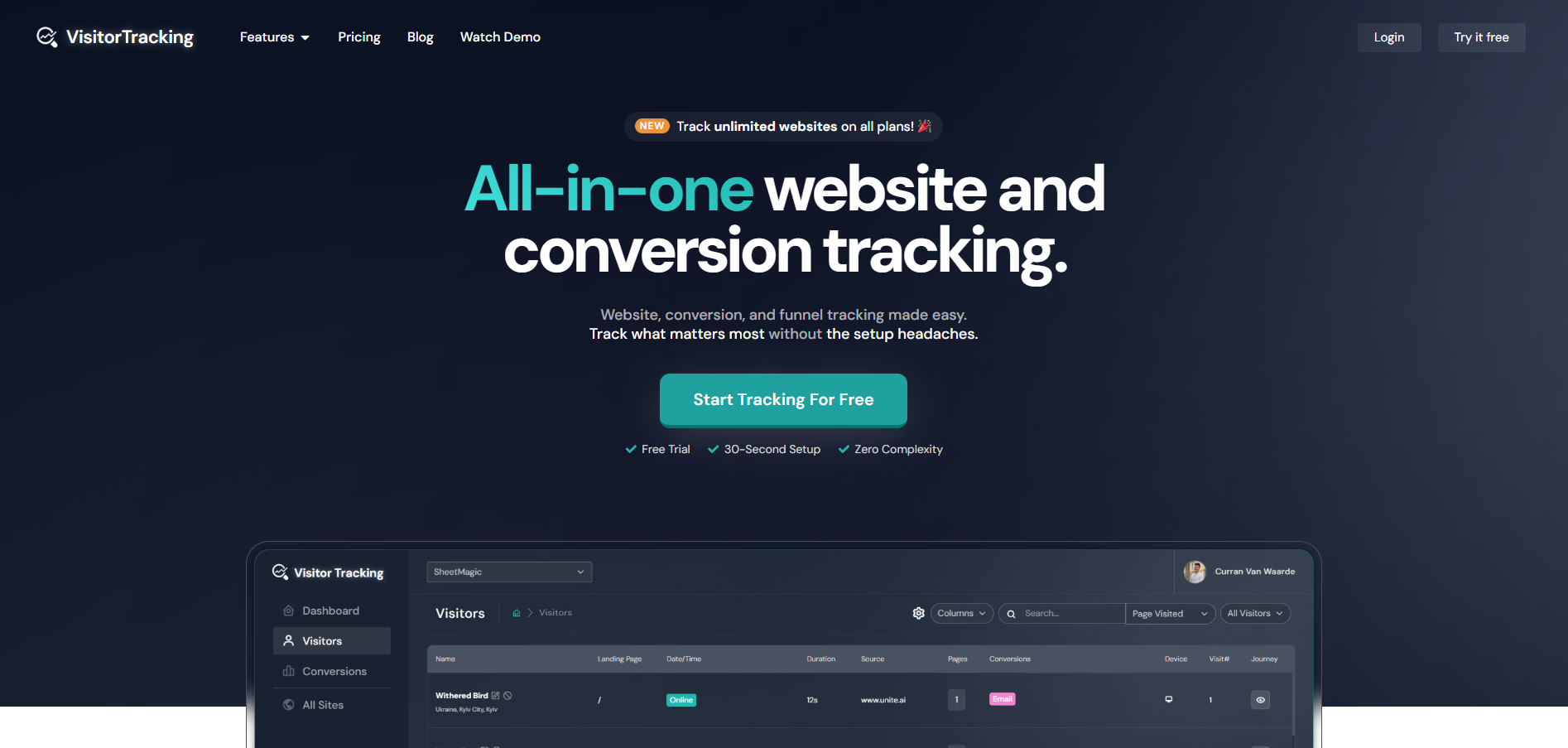
VisitorTracking offers real-time identification, lead scoring, and behavior analytics for growing SMB and mid-market teams. It turns anonymous site visits into actionable leads without enterprise overhead.
VisitorTracking Key Features:
- Company Identification: Reveals visiting organizations and key contacts.
- Lead Scoring: Prioritizes follow-ups based on activity and engagement.
- Dashboard Analytics: Simple segmentation and history view per visitor.
- Alert Automation: Notifies reps when target profiles revisit key pages.
Pros and Cons of VisitorTracking
VisitorTracking Best Fit:
Ideal for mid-sized sales teams scaling from manual CRM data entry to automated visitor intelligence.
VisitorTracking Pricing:
Plans start at $69 per month, with higher tiers for customization.
Leadfeeder (Dealfront)
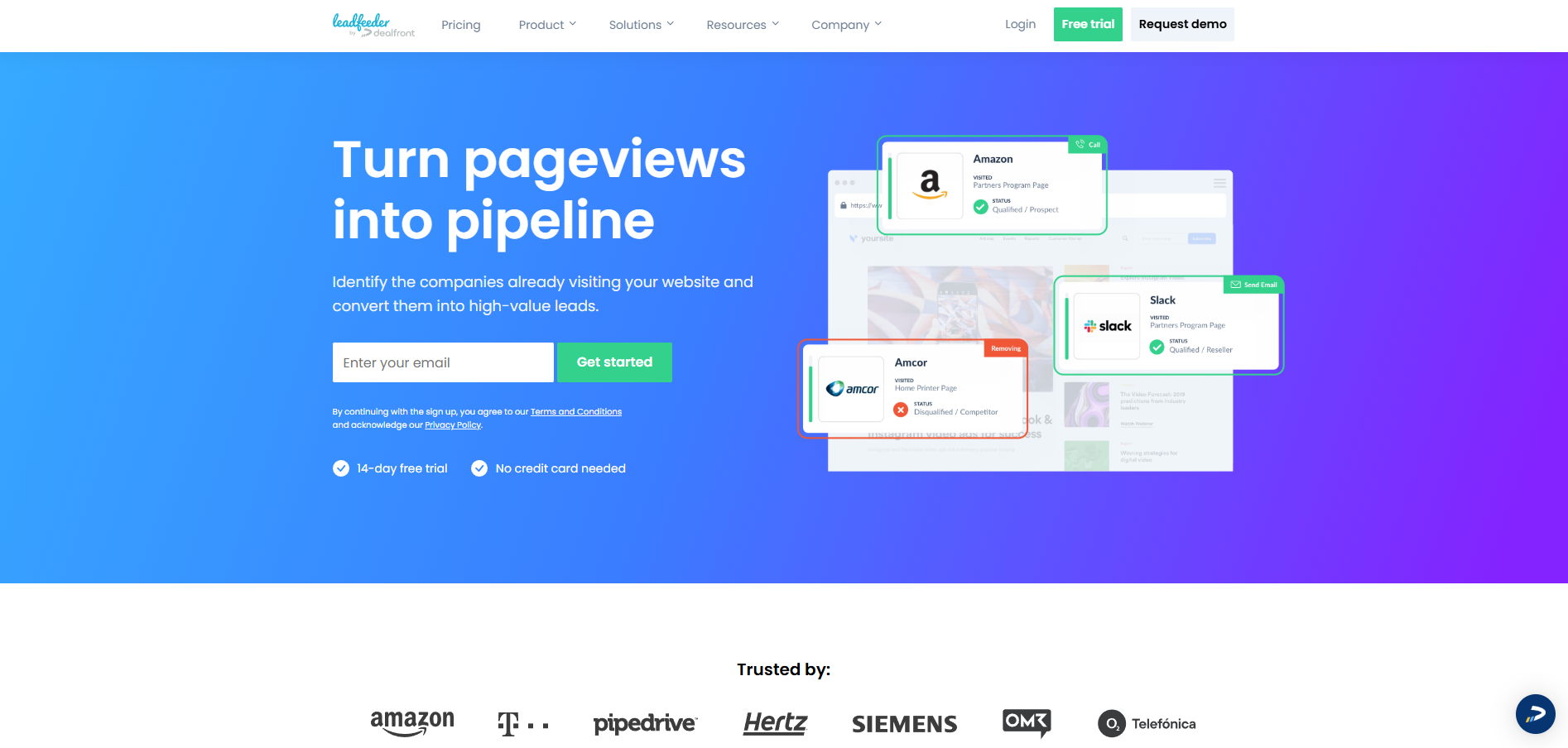
Leadfeeder identifies website visitors through IP-based recognition and LinkedIn enrichment, automatically syncing data with your CRM and triggering outreach workflows.
Leadfeeder Key Features:
- Visitor Identification: Tracks companies and industries of inbound traffic.
- CRM Sync: Connects directly with HubSpot, Salesforce, and Pipedrive.
- Lead Scoring: Prioritizes high-quality prospects based on engagement depth.
- Automation: Launches outreach sequences or Slack alerts on key visits.
Pros and Cons of Leadfeeder
Leadfeeder Best Fit:
Leadfeeder suits sales development teams running outbound follow-up based on inbound traffic signals.
Leadfeeder Pricing:
Free plan available. Paid tiers start at €139 per month, scaling with identified lead volume.
Mixpanel
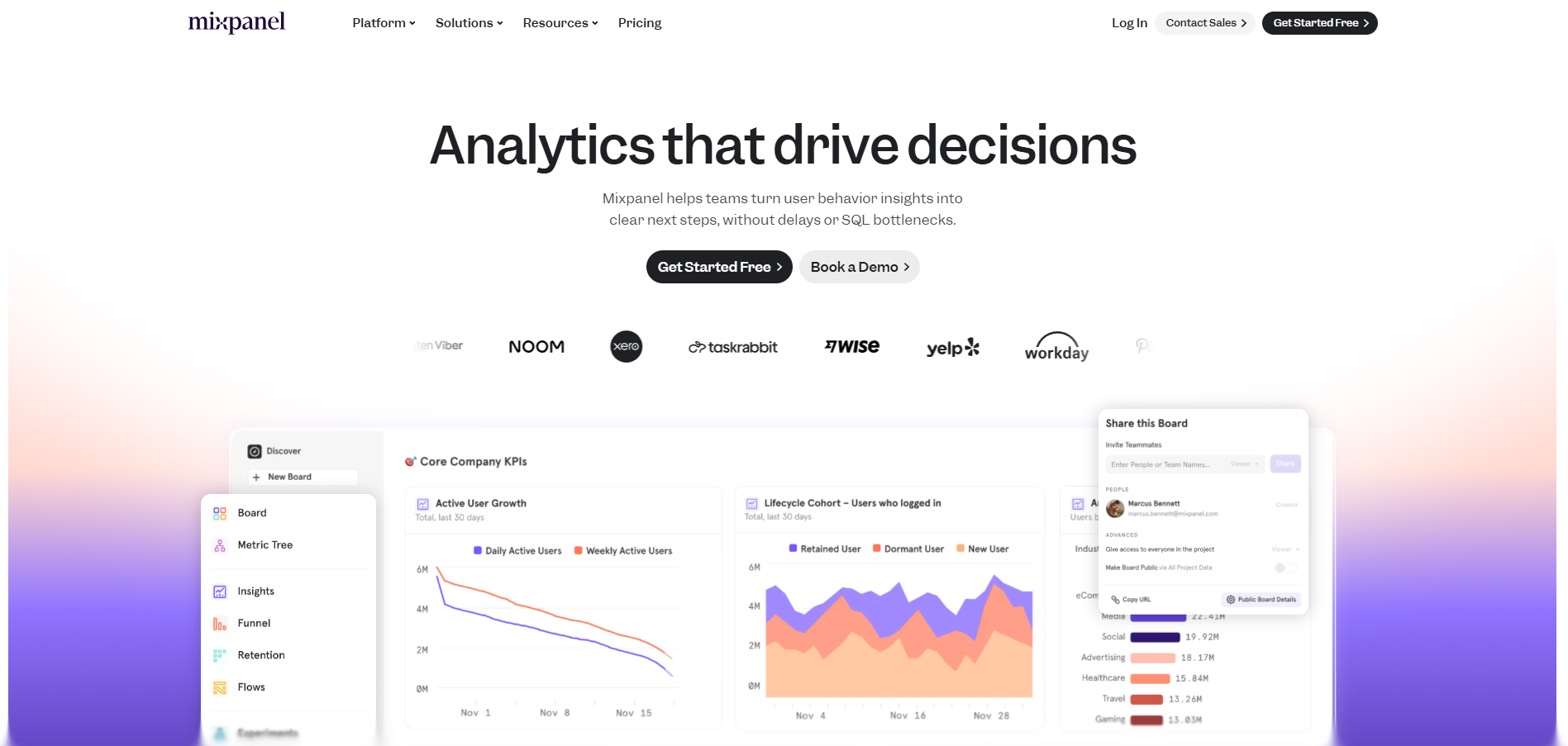
Mixpanel focuses on event-tracking and conversion analytics for product-led growth teams. It provides visibility into user behavior beyond traffic metrics, supporting A/B testing and advanced funnel insights.
Mixpanel Key Features:
- Event Tracking: Captures granular user actions like clicks, submissions, and product feature use.
- Funnel Analysis: Identifies conversion bottlenecks and drop-offs in workflows.
- Cohort Segmentation: Groups users by behavior, churn risk, or growth potential.
- Integrations: Works with Segment, Amplitude, HubSpot, and API pipelines.
Pros and Cons of Mixpanel
Mixpanel Best Fit:
Mixpanel is best for SaaS and product teams analyzing detailed user behavior, feature adoption, and retention patterns.
Mixpanel Pricing:
Free plan available. Growth tier starts at $28 per month, with flexible enterprise options.
HubSpot Website Analytics
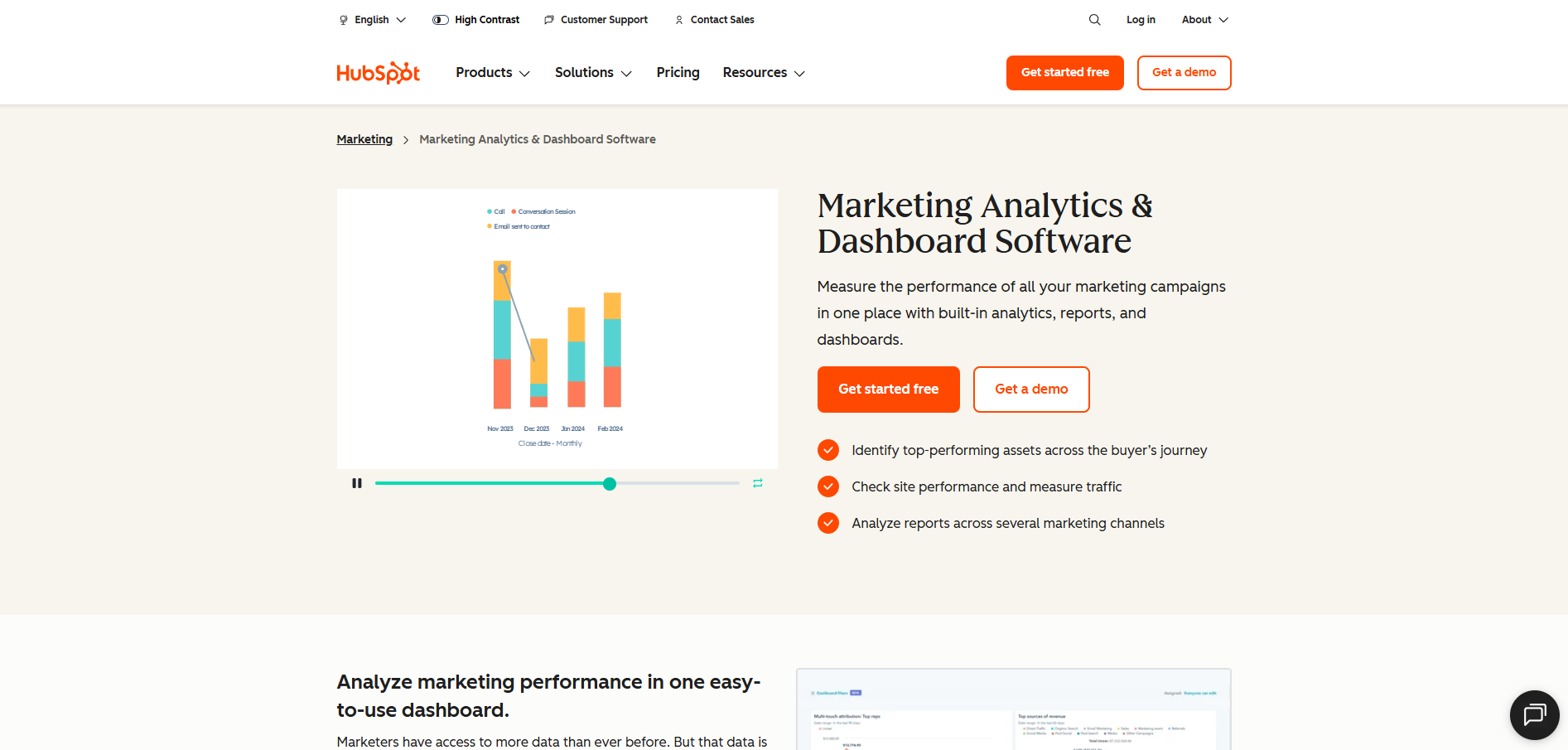
HubSpot’s analytics platform merges website visitor tracking with CRM automation. It links marketing performance, engagement behavior, and conversion data in one unified dashboard.
HubSpot Analytics Key Features:
- Visitor Journey Tracking: Connects visits to CRM contact records.
- Attribution Reporting: Maps engagement histories to conversion outcomes.
- Workflow Automation: Automates lead follow-ups via email or task creation.
- Native Integrations: Syncs seamlessly within the broader HubSpot Marketing Hub.
Pros and Cons of HubSpot Analytics
HubSpot Analytics Best Fit:
Perfect for teams already running on HubSpot who want campaign and visitor data centralized in one ecosystem.
HubSpot Analytics Pricing:
Included in HubSpot Marketing Hub. Starter starts at $20/month, Professional at $890, and Enterprise at $3,600.
Lucky Orange
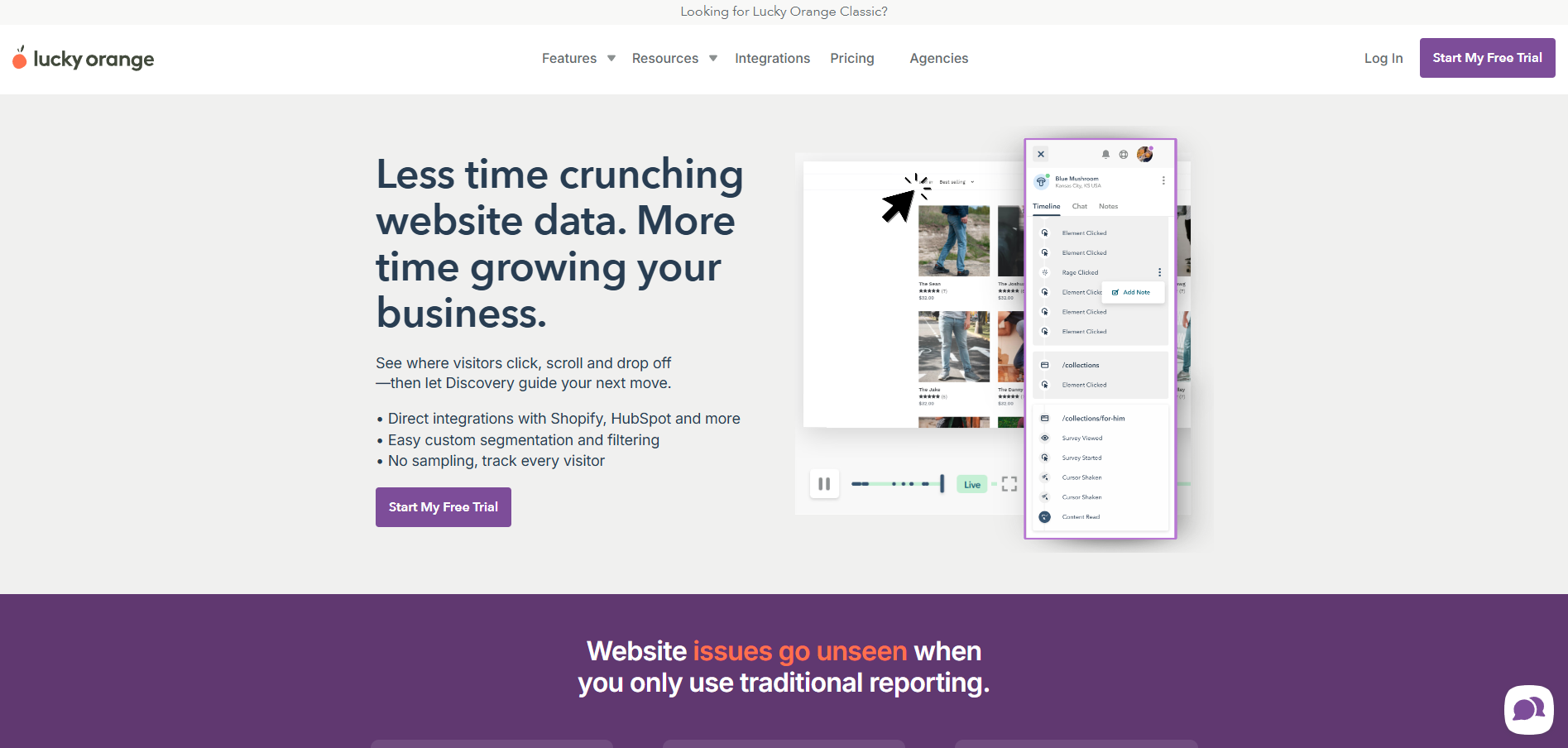
Lucky Orange delivers real-time heatmaps, live chat, and visitor session replays to help marketers engage with users instantly. It lets teams see exactly what visitors do on-site and intervene during active sessions.
Lucky Orange Key Features:
- Heatmaps and Recordings: Track clicks, scrolls, and drop-offs in real time.
- Live Chat: Interact with current visitors on high-value pages.
- Conversion Funnels: Visualize stage-by-stage drop-offs.
- Polls and Forms: Capture user feedback and block pain points.
Pros and Cons of Lucky Orange
Lucky Orange Best Fit:
Best for e-commerce and support-driven businesses that value real-time customer interactions.
Lucky Orange Pricing:
Plans range from $39/month for small sites to $199/month for advanced features.
Matomo
Matomo offers full data ownership and privacy-first analytics. It’s ideal for organizations requiring total control over collected information, often in regulated industries.
Matomo Key Features:
- Self-Hosted or Cloud Options: Enables compliance flexibility.
- Full GDPR Support: Includes consent logs and anonymization features.
- A/B Testing and Heatmaps: Provides integrated optimization tools.
- API Reporting: Automates dashboards and analytical workflows.
Pros and Cons of Matomo
Matomo Best Fit:
Matomo is ideal for privacy-conscious enterprises that prioritize compliance and custom hosting control.
Matomo Pricing:
Self-hosted version: free. Cloud hosting starts at 22 EUR per month.
Free vs. Paid Visitor Tracking Tools
Free plans from platforms like Google Analytics provide basic visitor behavior insights and traffic metrics. These work well for understanding general patterns and optimizing user experience at the surface level.
However, free tools lack visitor identification, CRM integrations, and automated follow-up capabilities. You'll see that someone visited your pricing page, but not who they are or how to contact them for immediate follow-up.
Paid platforms justify their cost through lead generation ROI. When visitor tracking software identifies a high-value prospect and triggers immediate outreach that closes the deal, the monthly subscription pays for itself hundreds of times over through pipeline acceleration.
Key paid features include real-time visitor identification, automated Slack notifications, CRM synchronization, and workflow automation. These capabilities transform website analytics from reporting tools into revenue generation systems.
How to show visitor count on website: WordPress plugins like WP Statistics display live visitor counters, while platforms like Lucky Orange offer real-time visitor widgets. However, focus on qualified visitor identification rather than vanity metrics that don't drive revenue outcomes.
How to Choose the Right Website Visitor Tracking Software
Selecting the right website visitor tracking platform requires a structured approach. Use the steps below to map your needs, evaluate platform capabilities, and ensure long‑term scalability and compliance.
Step 1: Define Your Primary Use Case
Start by aligning the software with your team’s core objectives.
- UX and Optimization Teams: Look for solutions like Hotjar or Lucky Orange that offer heatmaps, session recordings, and form analytics to improve user experience and conversion rates.
- Sales Teams: Prioritize visitor identification, CRM enrichment, and real‑time alerts. Tools such as Warmly, RB2B, or 11x excel at surfacing anonymous visitors and triggering immediate follow‑ups.
- Marketing Teams: Choose platforms that emphasize campaign attribution and behavioral analytics, HubSpot Analytics, Google Analytics 4, and Mixpanel lead here.
Clearly defining your use case helps ensure ROI rather than tool fatigue.
Step 2: Match to Business Size and Maturity
Not every business needs enterprise‑grade automation out of the gate. Match platform scale to your organization’s maturity and data infrastructure.
- Startups: Use Google Analytics 4 for foundational traffic reporting and event tracking.
- Mid‑Market Teams: Adopt flexible, easy‑to‑deploy systems such as VisitorTracking.com, Leadfeeder (Dealfront), or Lucky Orange to combine insight with affordability.
- Enterprise Organizations: Opt for automation and full CRM synchronization. RB2B, Warmly, or 11x AI digital workers deliver scalable intelligence, cross‑channel outreach, and measurable revenue acceleration.
Step 3: Evaluate Integration Requirements
Integration depth determines how well visitor data turns into action.
- Prioritize CRM connectivity—teams using HubSpot should favor its native analytics for seamless pipeline visibility.
- Salesforce users should look for strong two‑way sync and workflow automation through APIs or Zapier.
- Confirm compatibility with your existing stack: email marketing systems, Slack, LinkedIn, and web platforms like WordPress or Shopify.
Smooth integrations eliminate manual data transfer and accelerate follow‑ups.
Step 4: Review Compliance and Data Control
Data privacy is now a competitive factor, not just a legal requirement.
- Organizations in regulated sectors should favor platforms like Matomo, which provides full data ownership and GDPR compliance through self‑hosting.
- Cloud‑based services handle compliance automatically but store data externally—review their security standards and consent policies.
- Verify support for cookie consent banners, opt‑out workflows, and data processing agreements (DPAs) aligned with GDPR and CCPA frameworks.
Choose a platform that aligns your tracking capabilities with ethical data stewardship.
Step 5: Assess Automation and AI Capabilities
The gap between analytics and revenue is closed through automation.
- Look for systems that trigger instant alerts in Slack or CRM tools when high‑intent visitors engage key pages.
- Evaluate whether the software supports AI‑driven workflows for outreach, lead scoring, and retargeting.
- Platforms like 11x go further by autonomously identifying prospects, drafting personalized follow‑ups, and even handling inbound qualification calls—removing manual friction entirely.
Advanced automation transforms visitor tracking from passive insight into proactive revenue generation.
Step 6: Compare Pricing, Scalability, and Support
Finally, balance functionality with cost efficiency.
- Review whether the platform’s pricing model scales with session volume, lead count, or feature access.
- Consider support quality and implementation resources, enterprise services may include onboarding specialists or dedicated account support.
- Analyze ROI beyond cost: automation savings and pipeline acceleration often justify higher subscription tiers.
Following these steps ensures your chosen visitor tracking software not only monitors traffic but integrates seamlessly with your marketing and sales workflows, automates engagement at scale, and adheres to modern compliance standards.
Implementation: Getting Started with Website Visitor Tracking
After choosing the right platform, successful implementation determines how quickly you begin turning data into insight and insight into revenue. Proper setup ensures accurate collection, reliable analytics, and smooth integration with your CRM and marketing stack. The following steps outline how to deploy visitor tracking software effectively.
Step 1: Install tracking code - Add the platform's JavaScript pixel to your website header. Most platforms provide WordPress plugins or Google Tag Manager integration for easy deployment without technical complexity.
Step 2: Verify data collection – Confirm tracking is firing correctly by viewing live analytics dashboards or browser tracking diagnostics. Within most platforms, you’ll see page views, referral data, and demographic details populating in real time. For WordPress users, ensure cookies and consent banners function properly before launching active monitoring.
Step 3: Connect your CRM and marketing platforms – Link HubSpot, Salesforce, or your preferred CRM to sync visitor insights automatically. For teams using Zapier, create workflows that push new identified visitors directly to sales channels or email marketing sequences. This step eliminates data silos and ensures your sales team always has context.
Step 4: Create alerts and automation workflows – Configure Slack or email notifications for high‑intent behaviors, such as a pricing page visit or demo request. Advanced systems like 11x can automate entire outreach sequences the moment these alerts trigger, shortening response time from hours to seconds.
Step 5: Optimize and iterate – Use heatmaps, drop‑off analysis, and conversion dashboards to refine page design and messaging. Identify which content converts most efficiently and where visitors lose interest. These optimization cycles compound over time to improve both user experience and conversion rates.
Compliance and Ethical Tracking
Website visitor tracking must balance insight with responsibility. Regulations such as GDPR and CCPA require explicit consent, transparent privacy policies, and accessible opt‑out mechanisms. Platforms like Matomo and Hotjar include built‑in compliance tools, consent management, and anonymization settings.
Organizations should document their data‑processing agreements and ensure only necessary visitor information is stored. Make privacy a competitive advantage: respecting visitors’ data builds trust and sustains long‑term customer relationships.
Beyond Data: Turning Visitor Insights into Revenue
Tracking only matters if it drives revenue. The intersection of web analytics, automation, and AI enables real‑time decision‑making that human teams cannot match. Imagine a visitor landing on your solution page: instead of a static report, your tracking software identifies the account, syncs it to CRM, and launches an AI‑driven follow‑up sequence.
With Alice, those sequences happen automatically across channels, email, LinkedIn, and dynamic website messages, while Julian qualifies inbound calls in real time. Together they represent an evolution from insight to action, proving that automation amplifies every tracked signal into measurable growth.
From Data to Deals
Website visitor tracking now defines the difference between observing traffic and driving revenue. The platforms outlined above prove that data, when paired with automation and AI, transforms every anonymous visit into a conversion moment.
With 11x, you take that one step further. Your digital workers—Alice and Julian—turn visitor insights into sales conversations automatically, executing outreach, qualification, and follow‑ups around the clock. No manual input, no missed pipeline. Just consistent, autonomous growth powered by AI.
Ready to turn your website into an always‑on sales engine? Explore 11x.ai and see how automation turns intent into revenue in real time.
Frequently Asked Questions
FAQs
How do you track visitors on a website?
Visitor tracking starts with embedding a tracking code that records on‑site behaviors such as page views, clicks, and time spent on key pages. These insights reveal what content engages your audience and where they drop off. 11x takes this further by automatically identifying the companies and individuals behind each visit, syncing them with your CRM, and triggering AI‑driven follow‑ups that convert visitors into booked meetings in real time.
Can websites identify specific visitors?
Yes, advanced first‑party tracking can recognize visitors using consented data like IP addresses and behavioral signals, all within GDPR and CCPA compliance. This approach turns anonymous traffic into actionable intelligence. 11x exemplifies this capability by enriching visitor profiles instantly and launching autonomous outreach—so your team never loses a qualified lead to anonymity.
What is the best way to monitor website traffic?
Most analytics tools report aggregate metrics such as sessions or bounce rates, which help measure reach but not buyer readiness. 11x closes this gap by transforming traffic monitoring into a proactive sales workflow that tracks individual intent and initiates outreach the moment a decision‑maker shows purchase interest.
How do you show visitor data in meaningful ways?
Traditional visitor counters display surface‑level numbers without conteFAQs
How do you track visitors on a website?
Visitor tracking starts with embedding a tracking code that records on‑site behaviors such as page views, clicks, and time spent on key pages. These insights reveal what content engages your audience and where they drop off. 11x takes this further by automatically identifying the companies and individuals behind each visit, syncing them with your CRM, and triggering AI‑driven follow‑ups that convert visitors into booked meetings in real time.
Can websites identify specific visitors?
Yes, advanced first‑party tracking can recognize visitors using consented data like IP addresses and behavioral signals, all within GDPR and CCPA compliance. This approach turns anonymous traffic into actionable intelligence. 11x exemplifies this capability by enriching visitor profiles instantly and launching autonomous outreach—so your team never loses a qualified lead to anonymity.
What is the best way to monitor website traffic?
Most analytics tools report aggregate metrics such as sessions or bounce rates, which help measure reach but not buyer readiness. 11x closes this gap by transforming traffic monitoring into a proactive sales workflow that tracks individual intent and initiates outreach the moment a decision‑maker shows purchase interest.
How do you show visitor data in meaningful ways?
Traditional visitor counters display surface‑level numbers without context, leaving teams guessing at true performance. 11x replaces vanity metrics with pipeline intelligence, showing which visitors are sales‑ready and automating the next step in their journey, from first click to scheduled meeting, without manual input.
Why is compliant website tracking important today?
Data privacy laws like GDPR and CCPA demand transparency and consent in how user data is collected and used. 11x is built around these principles, maintaining compliance while still delivering precision tracking and AI‑powered engagement that respects user choice and strengthens buyer trust.
xt, leaving teams guessing at true performance. 11x replaces vanity metrics with pipeline intelligence, showing which visitors are sales‑ready and automating the next step in their journey, from first click to scheduled meeting, without manual input.
Why is compliant website tracking important today?
Data privacy laws like GDPR and CCPA demand transparency and consent in how user data is collected and used. 11x is built around these principles, maintaining compliance while still delivering precision tracking and AI‑powered engagement that respects user choice and strengthens buyer trust.