Lead Scraping Software: The Complete 2025 Comparison Guide
Compare top lead scraping software platforms that enrich, validate, and export leads directly to your CRM for seamless outreach.
.png)

Sales teams are under pressure to fill their pipelines faster than ever. But manual prospecting still eats up hours of research and data entry—leaving valuable opportunities untapped.
Lead scraping software solves this by automatically collecting verified business data (emails, phone numbers, and job titles )from sites like LinkedIn, Google Maps, and company directories to accelerate lead generation. According to HubSpot, salespeople spend just one‑third of their day engaging with prospects, while the rest goes to administrative tasks such as emails, scheduling, and data entry. Using dedicated lead scraping tools helps teams reclaim those hours and focus on conversations that convert.
This guide compares the top lead scraping platforms of 2025, breaking down their data sources, integrations, and pricing models. It also explores how autonomous AI agents like 11x’s digital workers are reshaping the future of lead generation beyond traditional web scraping.
What is Lead Scraping Software?
Lead scraping software extracts contact information, emails, job titles, and phone numbers from web pages, social media platforms, and business directories. Unlike general web scraping tools, these products are tailored for sales teams, creating organized prospect lists for B2B leads and consistent lead generation efforts.
A tool’s goal is to collect verified data from LinkedIn profiles, company websites, Google Maps listings, or online directories and then export the results as CSV files or sync to a CRM. Many platforms include enrichment or data completion services that verify accuracy and fill missing details before delivery.
The process helps sales teams generate high-quality leads and potential customers at scale while maintaining data integrity. Reps can focus on closing deals instead of manual data entry, and RevOps managers can handle lead management with clean databases supporting automated prospect follow-ups.
Top 6 Lead Scraping Software in 2026
As sales technology evolves, the landscape of lead scraping software has expanded to fit every type of revenue team, from solo founders running outbound campaigns to enterprise GTM organizations managing global prospect lists.
The following comparison highlights the top tools leading in accuracy, scalability, and automation in 2026, helping you understand which platform best aligns with your growth stage and sales strategy.
Evaluation Criteria for Lead Scraping Tools
Our methodology prioritizes neutral, criteria-driven analysis: 90% objective feature comparisons, 10% strategic insights from GTM experience.
Each evaluation considers:
- Enterprise readiness: scalability, governance, and compliance frameworks.
- Integration depth: ability to connect across CRMs, APIs, and tech stacks.
- Measurable ROI potential: proven performance based on customer outcomes.
Comparison Overview of the Top 6 Lead Scraping Software
Finding the right lead scraping software depends on your team’s size, target market, and automation needs. The tools below represent the strongest options across different use cases, from technical, code‑based platforms to no‑code scrapers and fully autonomous AI agents.
Each entry highlights data sources, integrations, feature sets, and pricing models to help you choose the platform best suited to your prospecting goals.
11x
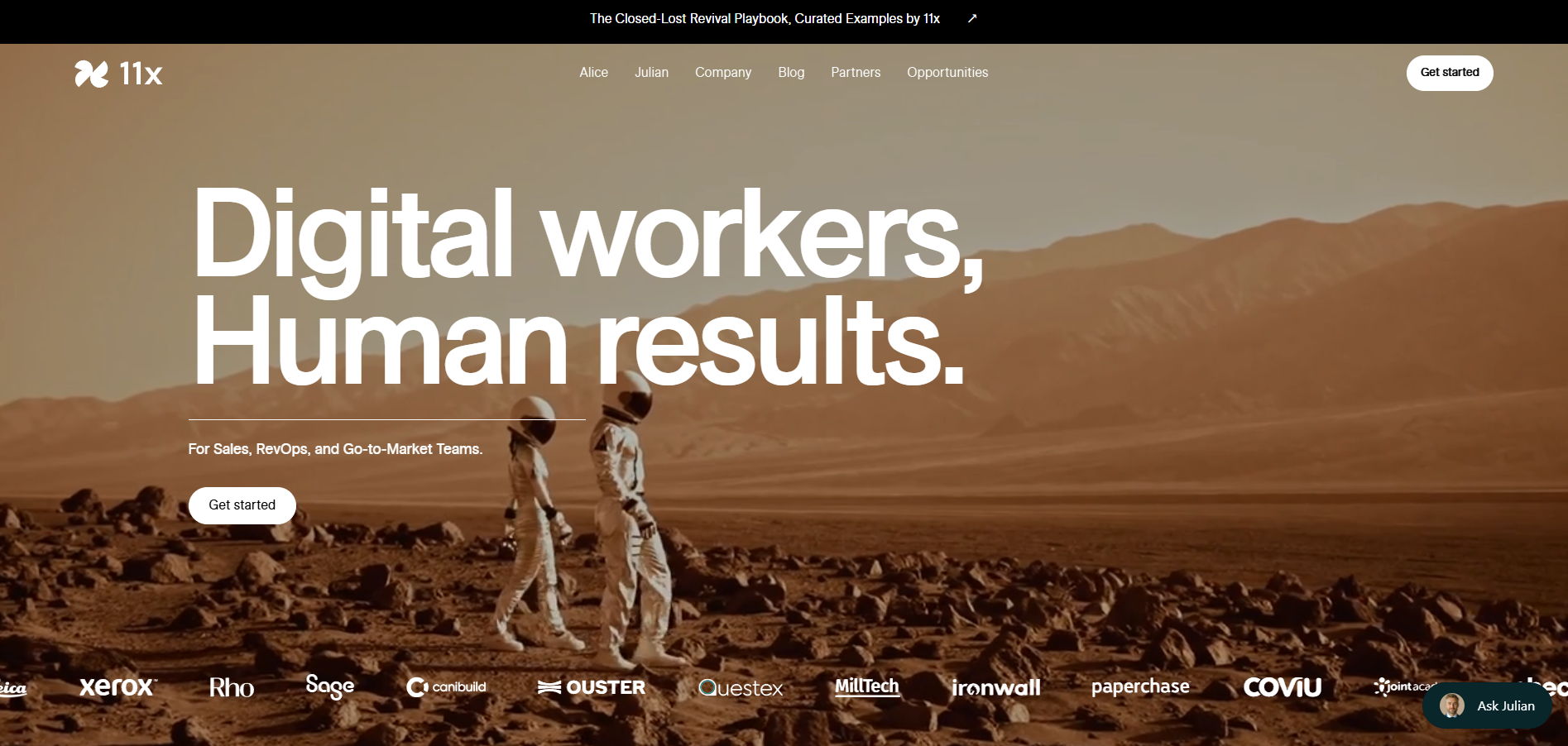
11x provides two autonomous AI sales agents: Alice for outbound prospecting and Julian for inbound phone qualification. Together, they function as digital workers that manage research, outreach, lead engagement, and qualification without human intervention. Their continuous operation gives teams a programmable SDR function that runs 24/7 and feeds accurate activity data into existing CRM systems.
11x Key Features
- Alice (AI SDR): Conducts outbound prospecting across email and LinkedIn to secure qualified meetings.
- Julian (AI Phone Agent): Calls inbound leads within seconds and qualifies them through natural two-way conversations.
- Autonomous Operation: Completes research, outreach, follow-ups, and lead qualification independently.
- CRM Integration: Syncs with HubSpot, Salesforce, and other CRMs to maintain accurate activity data.
- Global Language Support: Engages prospects in over 100 languages for international sales motions.
Pros and Cons of 11x
11x is ideal for GTM teams, replacing SDR or contact center functions with continuous AI execution. Unlike assistive tools, it autonomously identifies, engages, and qualifies both outbound and inbound leads with minimal human input.
11x Pricing
Custom enterprise plans with usage-based tiers determined by activity volume, number of workflows, and CRM integrations.
Apollo.io
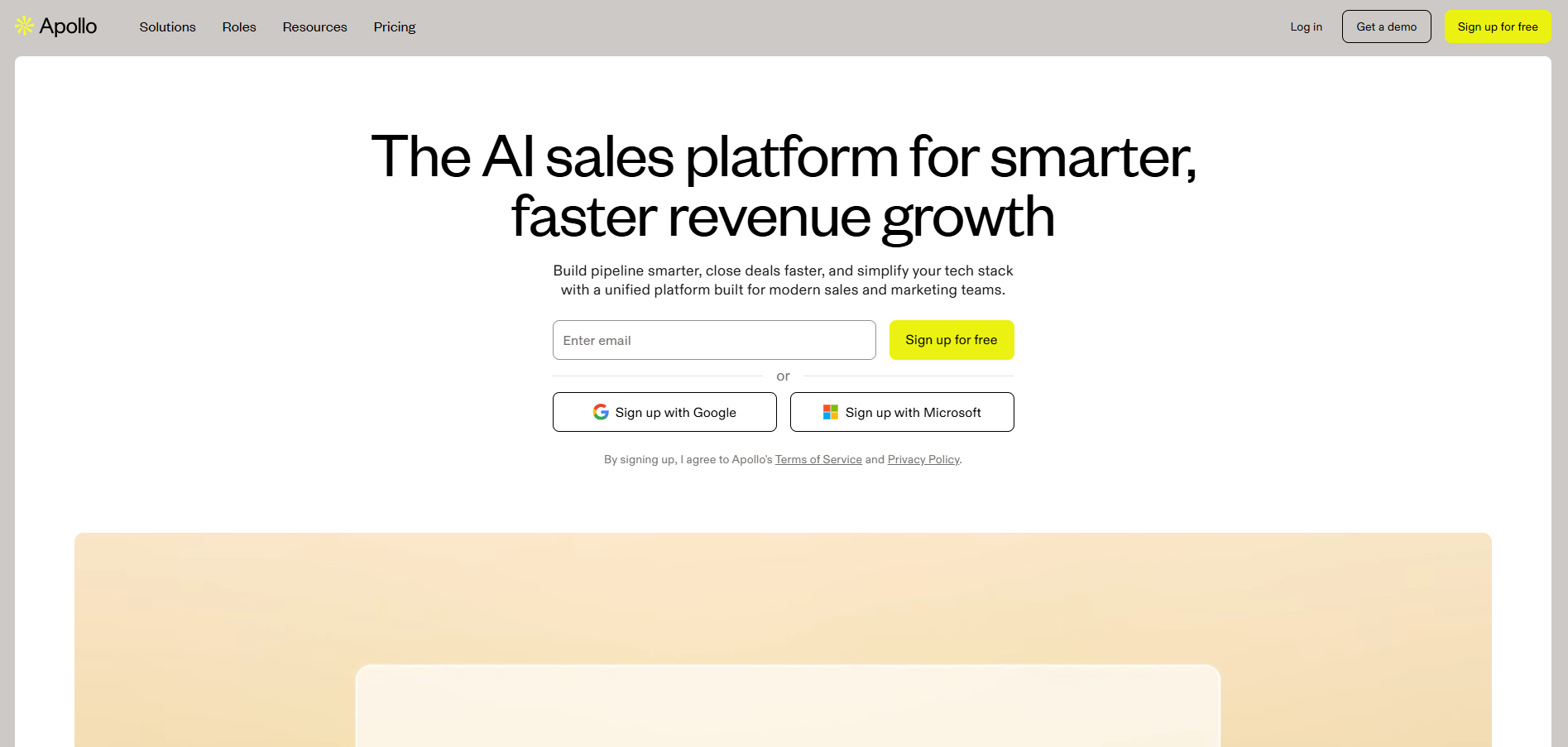
Apollo.io combines verified B2B data with precision automation for outbound prospecting. It’s both a contact database and a sales workflow engine, helping revenue teams research, enrich, and reach out to qualified buyers at scale. Users can filter millions of records by company size, title, or intent signals, then launch omnichannel sequences that sync directly with their existing CRM environment.
Apollo.io Key Features
- Extensive Database: Access to over 275 million contacts and verified company profiles.
- Email Finder & Verification: Locates and validates business email addresses and phone numbers.
- Prospect Segmentation: Advanced filters by job title, geography, seniority, and tech stack.
- Automated Outreach: Built‑in tools for email sequencing, LinkedIn messaging, and call tasks.
- CRM Integrations: Native connections to Salesforce, HubSpot, and other major CRMs.
Pros and Cons of Apollo.io
Apollo.io Best Fit
Apollo.io is best suited for growth‑focused sales teams that handle high‑volume outbound activity and need both list building and automated outreach in a single tool. It’s popular among mid‑size and enterprise GTM teams running multi‑channel prospecting programs.
Apollo.io Pricing
Tiered subscription plans, including a limited free version for basic access and paid tiers that scale by database size, outreach automation features, and daily sending volume.
Outscraper
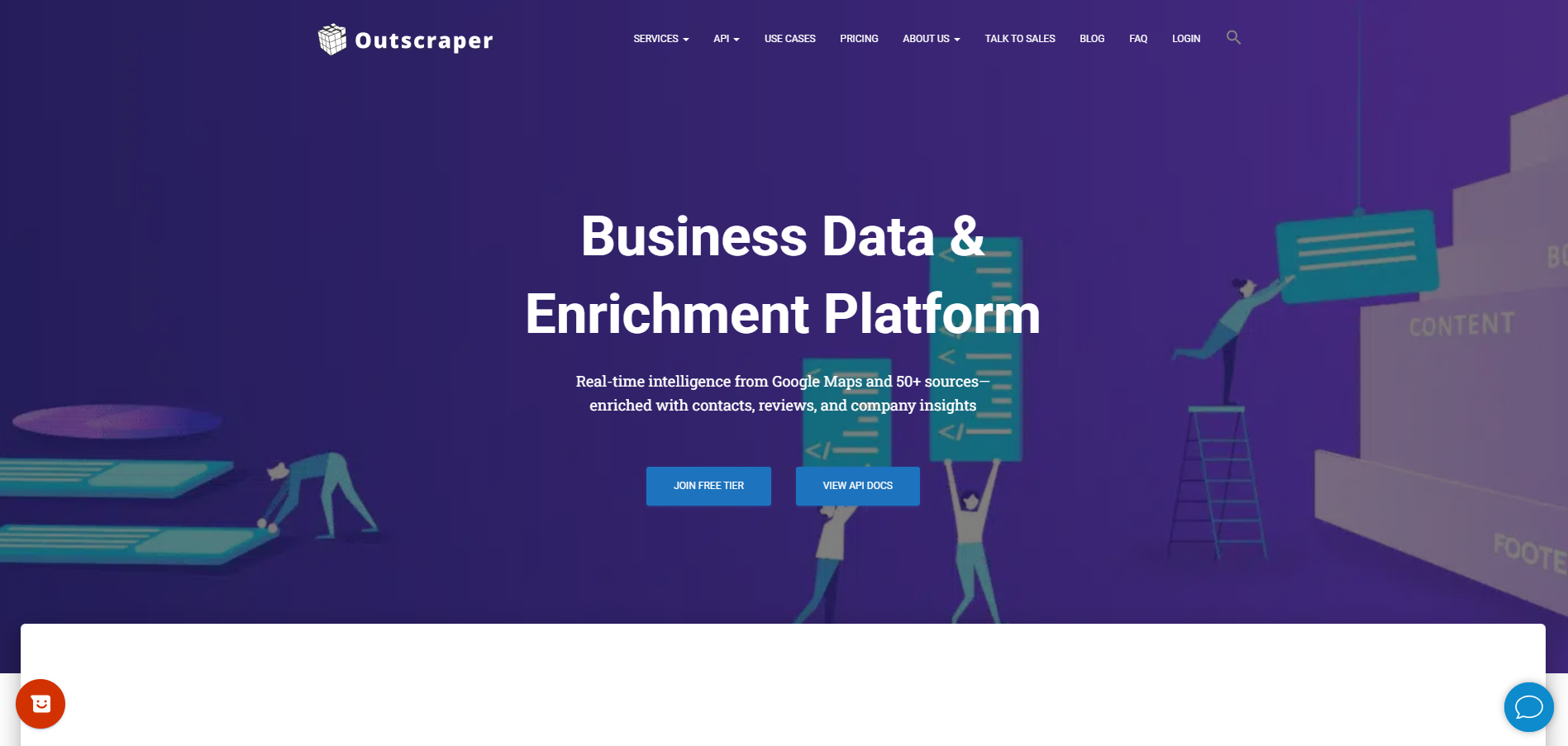
Outscraper focuses on location‑based lead generation by scraping detailed business data from Google Maps, business directories, and online reviews. It’s primarily used by marketing agencies, real estate teams, and local service providers that need consistent, verified business leads with contact information, website links, and other publicly available details.
Outscraper Key Features
- Google Maps Scraper: Extracts company names, addresses, phone numbers, websites, ratings, and categories from millions of listings.
- Business Directory Extraction: Pulls structured contact information from niche directories and listings.
- Bulk CSV Exports: Delivers neatly formatted, downloadable data sets for use in CRMs or Excel.
- API Access: Integrates scraped data directly into other tools and automated workflows.
- No‑Code Interface: Simple, point‑and‑click functions require no technical setup.
Pros and Cons of Outscraper
Outscraper Best Fit
Outscraper is ideal for local‑market agencies, regional sales teams, and service networks that rely on geographic data. It’s particularly valuable for campaigns that target brick‑and‑mortar businesses or use Google Maps as a primary source of verified company details.
Outscraper Pricing
Usage‑based pricing that charges per record or API call, with flexible tiered plans depending on data volume and frequency of scraping.
LeadScrape
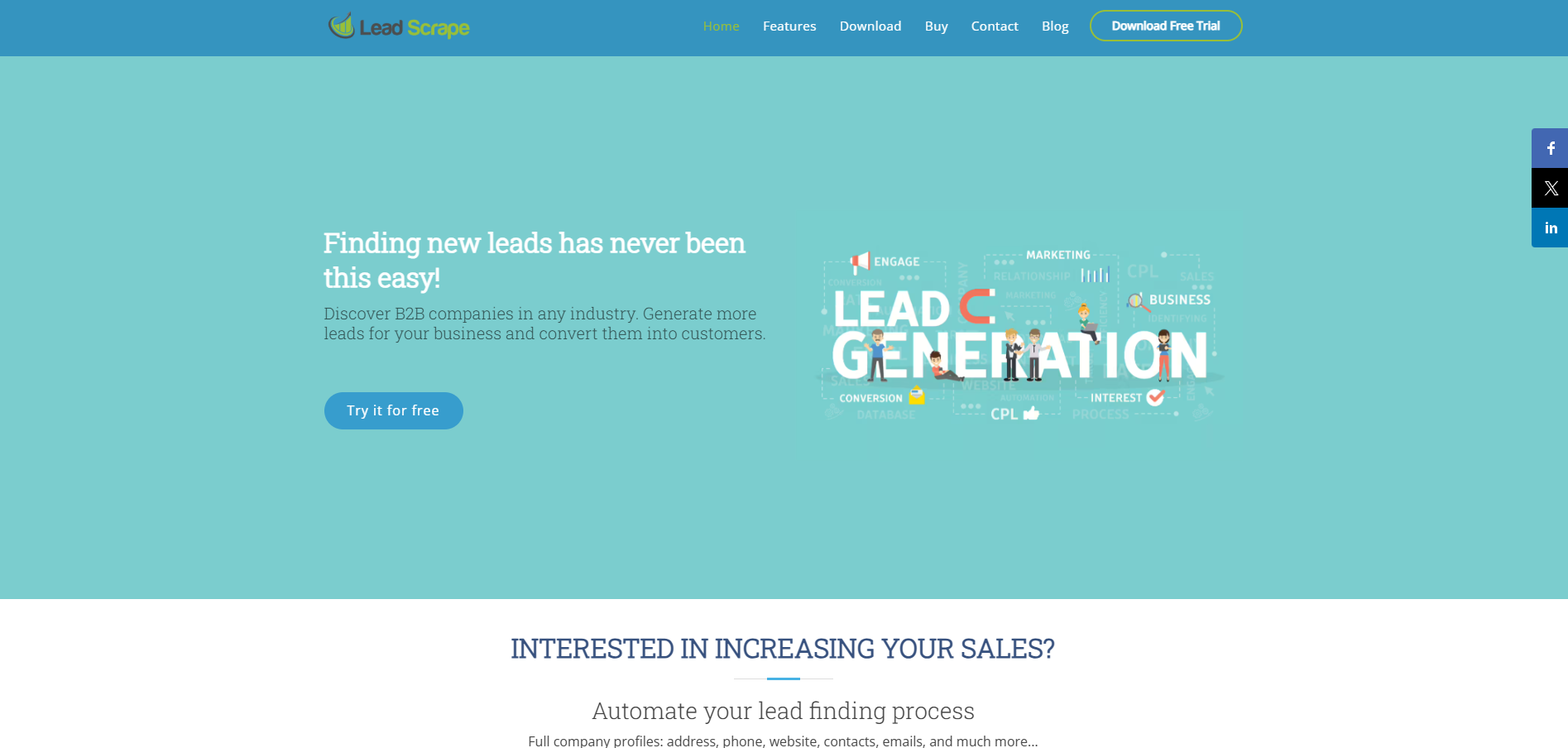
LeadScrape is an easy‑to‑use lead scraping software built for individual sales reps and small teams that need a straightforward way to collect verified contact data. It extracts company emails, job titles, and phone numbers from LinkedIn, business directories, and web pages, offering a rapid, no‑code setup for running outbound campaigns without technical integrations.
LeadScrape Key Features
- LinkedIn & Web Scraping: Collects verified contact information directly from LinkedIn profiles and websites.
- Contact Enrichment: Adds missing data such as company names, job titles, and email addresses.
- Chrome Extension: Enables one‑click data extraction from browser sessions.
- CSV & Excel Exports: Organizes and exports clean prospect lists for upload to any CRM or email platform.
- Basic API Access: Allows light integration with external lead management tools.
Pros and Cons of LeadScrape
LeadScrape Best Fit
LeadScrape is ideal for small businesses, freelancers, or agencies that need cost‑effective list building and contact enrichment. It fits best for lightweight lead generation workflows that prioritize simplicity over large‑scale automation.
LeadScrape Pricing
Monthly subscription plans based on the number of records scraped and enrichment volume, with flexible tiers suitable for smaller organizations.
Apify
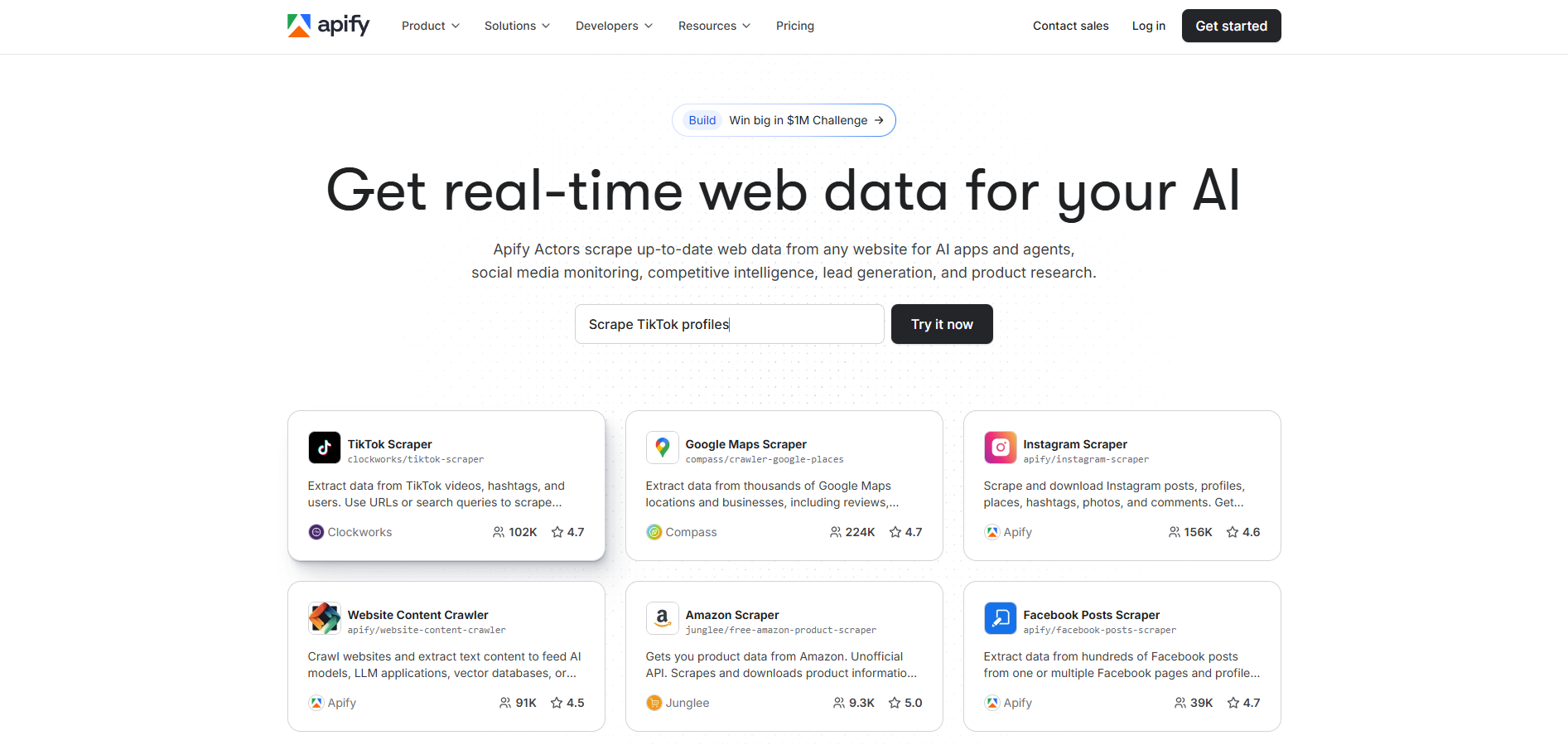
Apify is a developer‑friendly platform for large‑scale data extraction, web automation, and custom scraper development. It enables users to build or deploy ready‑made scraping actors that collect structured web data from virtually any source, including LinkedIn, social media platforms, ecommerce sites, and business directories.
Apify Key Features
- Custom Actors: Pre‑built or self‑developed scrapers that automate virtually any online data extraction task.
- Extensive API Access: Seamlessly connects collected data to other tools or cloud databases.
- Cloud‑Based Workflows: Scales automatically and manages high‑volume scraping projects with minimal maintenance.
- Data Storage & Export: Outputs organized data into multiple formats, including CSV, JSON, and Excel.
- Open Developer Marketplace: Offers community‑built scrapers for common use cases like LinkedIn, Google, or Amazon data gathering.
Pros and Cons of Apify
Apify Best Fit
Apify is best suited for engineering‑driven organizations and technical marketing teams that require deep data extraction capabilities and code‑level control. It’s ideal when off‑the‑shelf lead scraping tools can’t accommodate specialized or large‑scale automation needs.
Apify Pricing
Processing‑based pricing model with a free tier for testing. Paid plans scale according to computing power, storage, and data volume required for each scraping project.
Salesforge
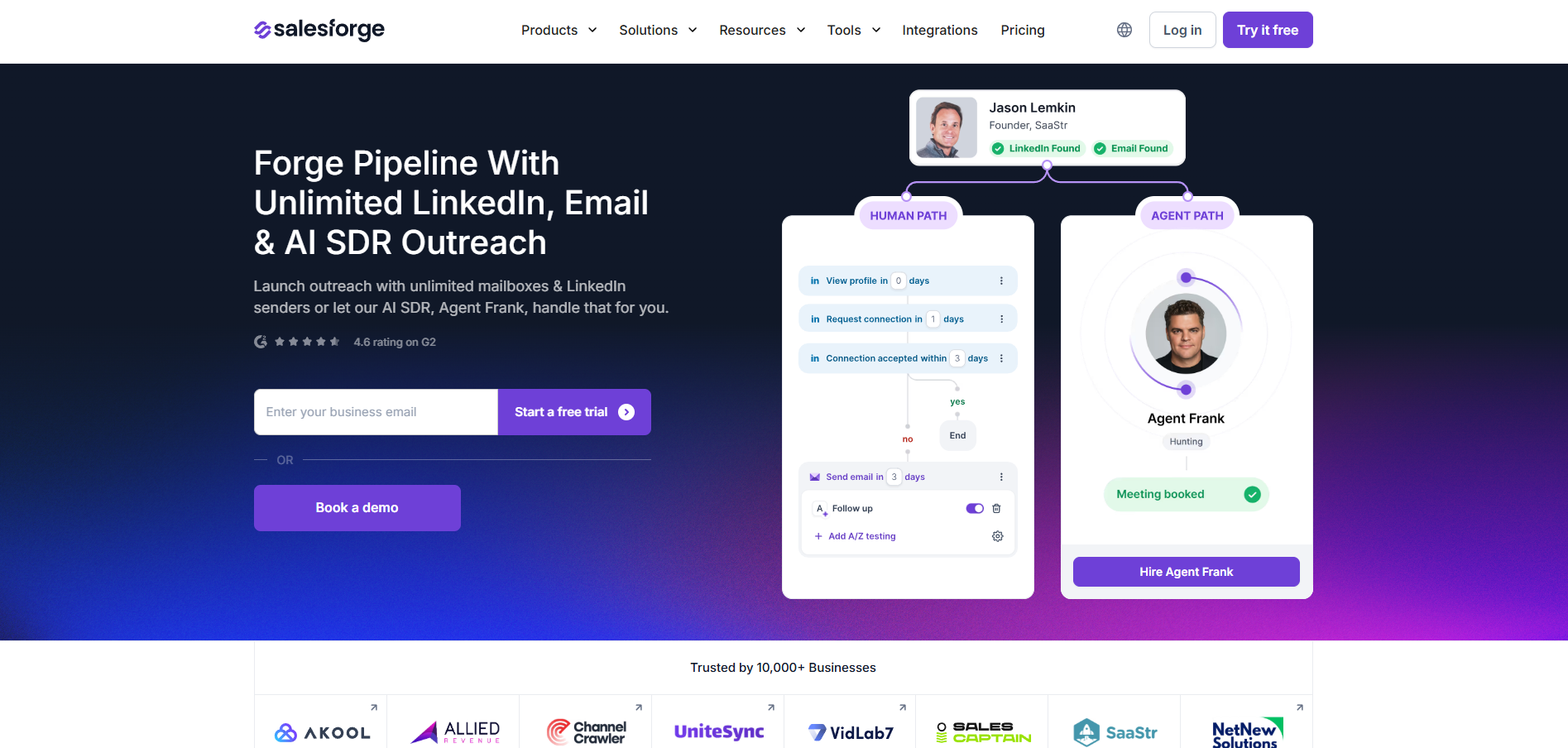
Salesforge brings lead scraping and multichannel outreach into a single unified platform. It allows sales teams to find and enrich lead data, then launch automated follow‑ups through email, LinkedIn, and voice—eliminating the need to juggle multiple tools. By combining prospect identification, personalization, and outreach automation, Salesforge serves as both a lead management and engagement engine for modern GTM teams.
Salesforge Key Features
- Lead Discovery and Enrichment: Collects and verifies contact information from LinkedIn, company websites, and email databases.
- Outbound Sequencing: Automates multi‑step outreach campaigns across channels with personalized messaging.
- Sales Engagement Analytics: Tracks delivery, response, and conversion metrics in real time.
- CRM and Workflow Integrations: Syncs data with HubSpot, Salesforce, and other CRMs to align activity logs.
- AI Personalization Engine: Adjusts tone, timing, and follow‑up strategy based on recipient behavior.
Pros and Cons of Salesforge
Salesforge Best Fit
Salesforge is best suited for sales and marketing teams that want to centralize prospecting, enrichment, and outreach automation. It’s particularly valuable for B2B teams running high‑volume multichannel sequences that require unified engagement and tracking.
Salesforge Pricing
Subscription‑based pricing that scales with the number of users and campaign volume. Offers tiered feature access for scraping limits, automation depth, and CRM integrations.
Best Practices for Ethical and Effective Lead Scraping
Lead scraping can be a powerful driver of pipeline growth—but only when done responsibly and with precision. Applying best practices ensures long‑term deliverability, strong brand reputation, and compliance across global markets.
1. Prioritize Data Accuracy and Validation
Consistent data cleansing is essential. Always verify contact details through enrichment tools or email verification APIs before outreach. This practice improves deliverability, prevents bounce‑rate penalties, and keeps CRM databases reliable. Schedule periodic re‑validation to maintain accuracy over time.
2. Use Public and Compliant Sources
Gather leads exclusively from publicly available or business‑listed data, such as LinkedIn company pages, Google Maps, or professional directories. Avoid extracting personal or private information that violates site terms or privacy laws such as GDPR or CCPA. When in doubt, reference each platform’s acceptable‑use guidelines before running a scraper.
3. Respect Opt‑Out Requests and Consent
Transparency builds trust. Include clear unsubscribe links in your outreach and honor all data‑removal requests promptly. Store suppression lists within your CRM to prevent repeated contact and to comply with email marketing regulations.
4. Automate Wisely
Automation should enhance (not overwhelm) your outreach sequence. Use AI workflows or API integrations to streamline repetitive tasks like data enrichment and follow‑ups, but maintain human oversight for tone, targeting accuracy, and message relevance. Smart automation keeps engagement personalized rather than spam‑like.
5. Maintain Infrastructure Health
Monitor IP reputation, domain warming, and inbox rotation to protect deliverability. Sustainable scraping setups distribute requests across multiple proxies and respect rate limits to avoid platform bans. Document scraping logic so teams can update it when data structures or anti‑bot rules change.
6. Stay Transparent Internally
Collaborate with marketing operations, legal, and data‑security teams to align scraping activities with company compliance policies. Detailed audit trails and data‑provenance logs help demonstrate responsible practices if ever reviewed by partners or regulators.
7. Integrate with Broader GTM Workflows
Scraped data should flow seamlessly into your CRM, enrichment tools, and outreach platforms. Establish data‑mapping conventions and field naming consistency before import. Proper integration allows end‑to‑end visibility from scraped record to closed deal.
Traditional Scraping vs. Using Lead Scraping Software
Traditional web scraping is often a manual or semi‑automated process built to extract raw data from websites. It can retrieve contact information, job titles, or company names, but it requires technical setup, script maintenance, and constant oversight. Most DIY or open‑source scrapers focus on collecting data, not on organizing or enriching it for sales use. As a result, sales teams often end up managing static CSV files with inconsistent quality and limited workability.
Modern lead scraping software automates these same actions but adds structure, compliance, and workflow integration. Instead of writing code, users can target specific industries or geographies, apply filters like company size or seniority, verify data quality, and export results to a CRM in real time.
And where next‑generation automation enters, digital workers such as Alice and Julian from 11x go a step further. Instead of simply delivering lists of prospects, they autonomously identify, engage, and qualify high‑intent buyers across email, phone, and social channels. It’s a natural evolution from scraping data to generating a pipeline continuously without human supervision.
Transform Every Lead into an Opportunity with 11x
Lead scraping software continues to streamline how B2B teams discover, qualify, and convert prospects at scale. From data collection to multi‑channel engagement, today’s tools simplify outreach and set the foundation for predictable revenue growth.
11x takes that automation one step further. Instead of simply surfacing contact details, its digital workers (Alice and Julian) autonomously identify, engage, and qualify high‑intent buyers across every channel. By integrating directly with your CRM, they ensure that every scraped lead evolves into a live conversation, not a static record.
Ready to turn your outbound motion into a self‑driving pipeline? Discover how 11x can help your team transform raw data into booked meetings and measurable revenue growth.
Frequently Asked Questions
Frequently Asked Questions
What is the best lead scraping tool?
It depends on scale and resources. Apollo.io offers extensive databases for B2B teams, while Outscraper excels at geographic targeting. For autonomous operation that covers data research through outreach, 11x Alice represents the next evolution beyond scraping.
What is a lead scraping tool?
A lead scraper collects business contact data from web sources like social media, directories, and websites. It supports lead gen workflows that prepare contacts for engagement or enrichment.
How to scrape data for lead generation?
Identify target sources such as LinkedIn or Google Maps, filter by job title, and run extraction. Export data as a CSV and sync it with your CRM. 11x automates that full process while updating messaging and timing in real time for better conversions.
Is LeadScrape good for beginners?
Yes. LeadScrape is simple to configure with minimal setup and is ideal for small businesses building early pipelines. For organizations ready to scale, 11x agents extend that same process autonomously.